No matter where you are in the world, MeeCoo allows you to safely earn money through online lessons.
You can decide when, how much, and what kind of lesson you teach at your convenience.
At MeeCoo, we are constantly checking to make sure if the lessons are taken correctly and the lesson fees are paid properly.

Sign up in minutes and build a profile that showcases your expertise.
Set your lesson topics, schedule, and pricing — then add a personal message to attract the right students.

When students find your profile and want to learn from you, they'll reach out directly via message.
Use the built-in chat on My Page to discuss goals, answer questions, and schedule your first lesson together.
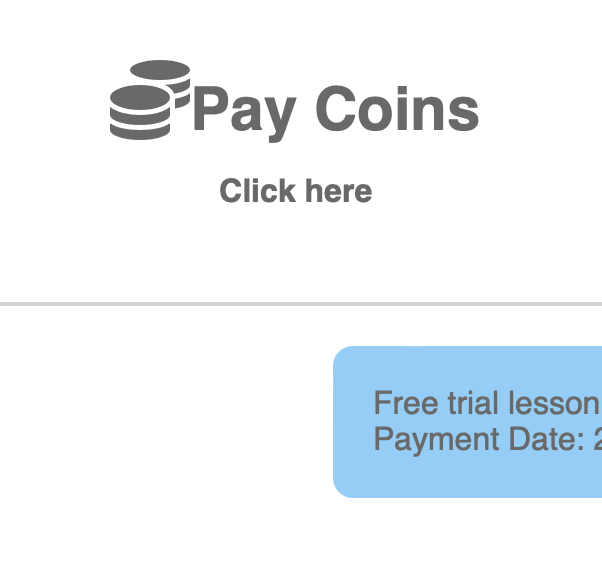
Once a lesson is scheduled, ask the student to pay using MeeCoo's coin system — a simple and secure way to handle payments.
You can send a payment request by clicking "Billing Coins" at the top of your chat screen, or students can pay on their own from the chat page.
When payment is complete, you'll be notified automatically, and a "Google Meet" button will be generated and shared with both of you — so you're all set for lesson day.
Once you've earned 5 or more coins, you can cash out at 140 JPY per coin.
* The billing feature is available once you've exchanged at least one message with the student.

When lesson time arrives, just click the "Google Meet" button to launch your session — no extra setup needed.
We recommend confirming payment before the lesson starts so you can focus entirely on teaching.
Students can pay anytime via the "Pay Coins" button on the chat page or through the payment notification email.
Teachers can use our service for free.
Login to your teacher account page and click the "Coins" button. You will be redirected to the page. If you are living outside of Japan, you must have a PayPal account to receive the payment.
MeeCoo uses Google Meet as the default lesson tool, but if both you and the student agree, you're welcome to use other video tools as well.
You must use our service to receive the lesson fee. If you ask the students directly for money, the MeeCoo staff will ban your account.
Before you start the lessons, remind your students to pay the lesson fee.